









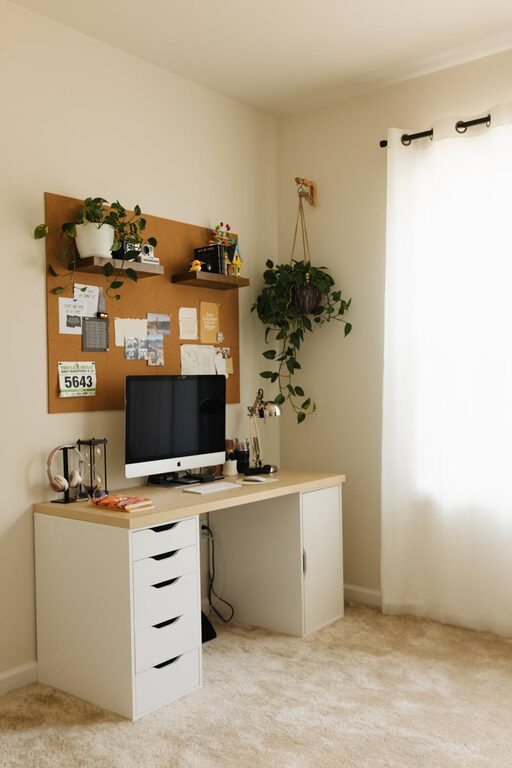
Creating a cozy and productive home office space can transform the way you work from home. A well-designed workspace not only helps you stay focused but can also make your workdays more enjoyable. Whether you have a dedicated room or just a small corner, these tips will help you design a home office that blends comfort with functionality.
Choose the Right Location
Consider Natural Light
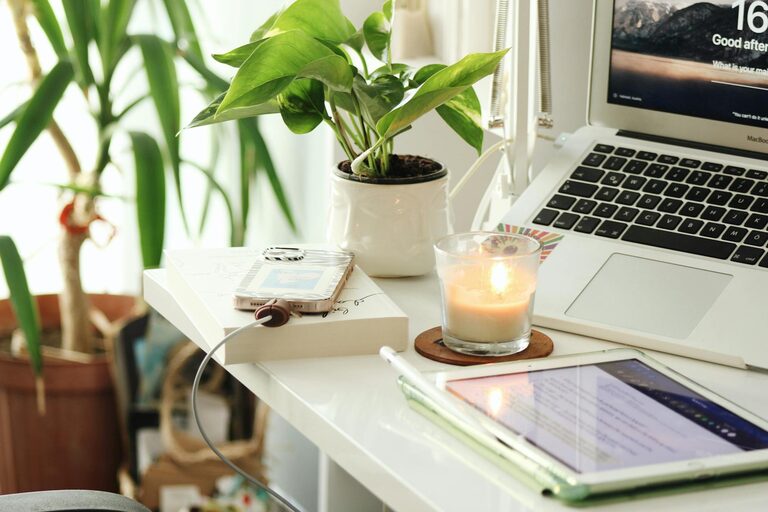
Position your desk near a window if possible. Natural light boosts mood and energy levels, helping you stay alert throughout the day. Avoid glare on your computer screen by using sheer curtains or adjustable blinds.
Minimize Distractions
Find a quiet spot away from the busiest areas of your home. If sounds are tough to avoid, consider using noise-cancelling headphones or a white noise machine to help you concentrate.
Invest in Comfortable Furniture
Ergonomic Chair
Your chair is one of the most important pieces of furniture in your office. Choose a chair with good lumbar support and adjustable height to keep your posture healthy during long hours.
Functional Desk
Pick a desk that fits your space and needs. A desk with enough surface area lets you organize your work without feeling cramped. Sit-stand desks are also a great option for moving between sitting and standing positions.
Organize Your Space
Declutter Regularly
A tidy workspace reduces stress and distraction. Use storage solutions like shelves, drawers, and organizers to keep essentials close at hand but out of sight when not in use.
Use Vertical Storage
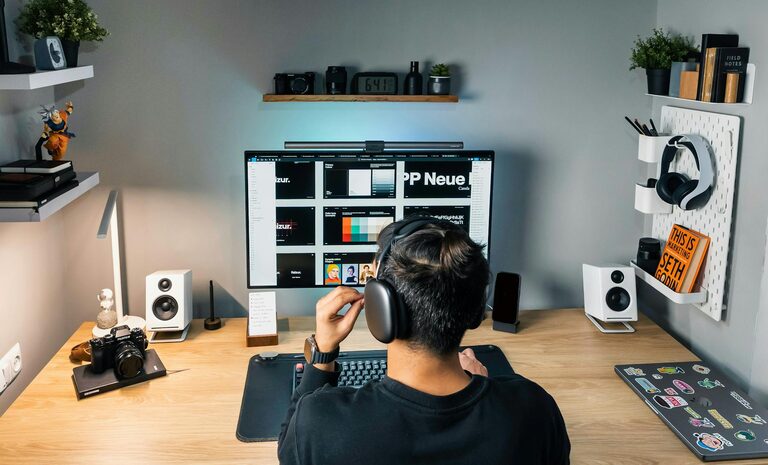
Make use of wall space for shelves or pegboards. Vertical storage helps keep your desktop clear while still keeping supplies accessible.
Add Personal Touches
Decor That Inspires
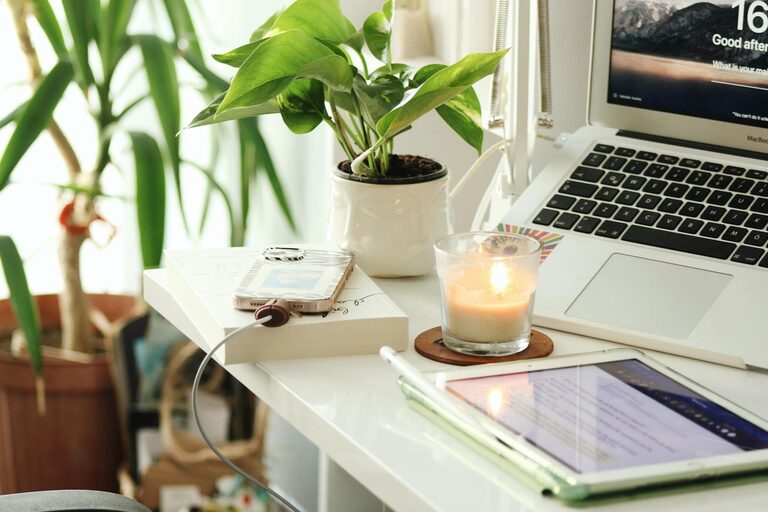
Include elements like artwork, plants, or motivational quotes. These personal touches can boost creativity and make your office feel welcoming.
Comfortable Textiles
Incorporate soft cushions, throws, or a small rug to add warmth and comfort to your space, making it a place you want to spend time in.
Optimize Lighting
Layered Lighting
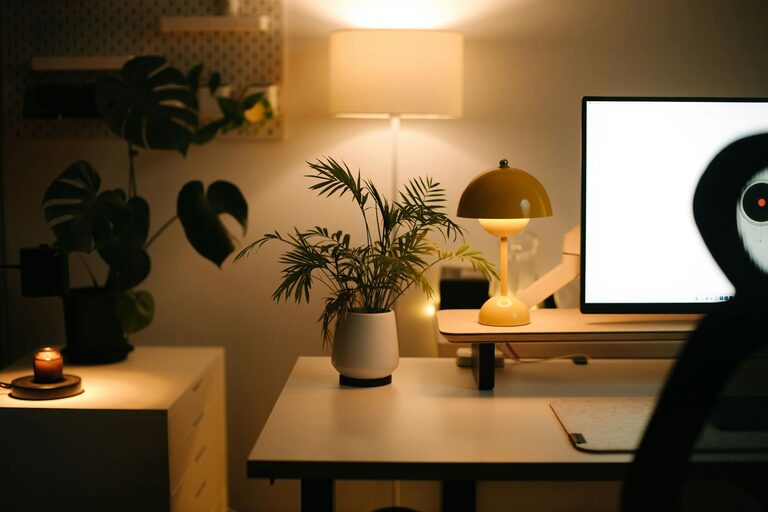
Combine overhead lights with task lighting, such as desk lamps. Adjustable lamps let you control brightness depending on the task.
Use Warm Light Bulbs
Warm white bulbs create a cozy atmosphere that’s easier on the eyes compared to harsh, cool lighting.
Incorporate Technology Wisely
Reliable Equipment
Invest in a good quality computer, monitor, and keyboard that suit your work needs. Reliable technology minimizes frustration and downtime.
Cable Management
Use cable organizers or clips to keep wires tidy and prevent tangling, helping maintain a clean desk and reducing hazards.
Encourage Healthy Habits
Take Breaks
Schedule regular breaks to stretch, move, or rest your eyes. This keeps you refreshed and helps maintain productivity.
Stay Hydrated
Keep a water bottle nearby and stay hydrated throughout the day, supporting overall well-being.
Maintain a Work-Life Balance
Separate Work from Home Life
If possible, position your workspace away from high-traffic areas or close your office door at the end of the day. This physical separation helps switch off from work mode.
Set Boundaries
Create a routine with clear start and end times for work. Communicate these boundaries with family or housemates to minimize interruptions.
—
Designing a home office space that is both cozy and productive is achievable with a few thoughtful adjustments. By focusing on comfort, organization, lighting, and personal touches, you can create an environment that supports your work and well-being. Start small, and adapt your space over time to suit your evolving needs.