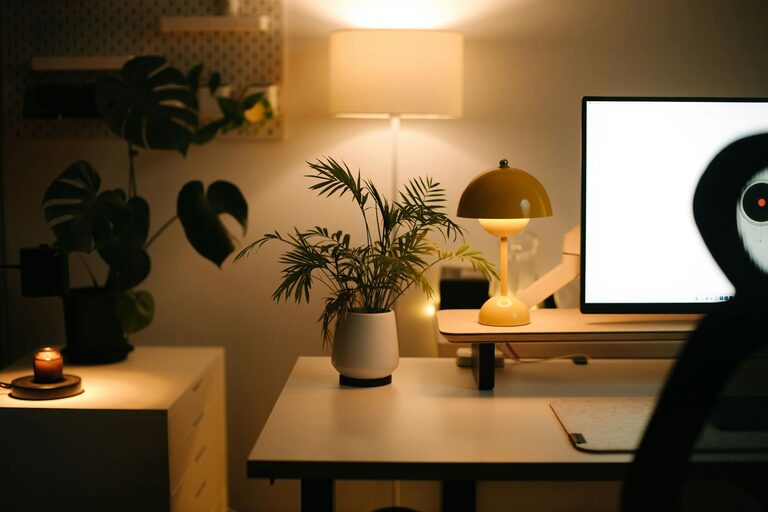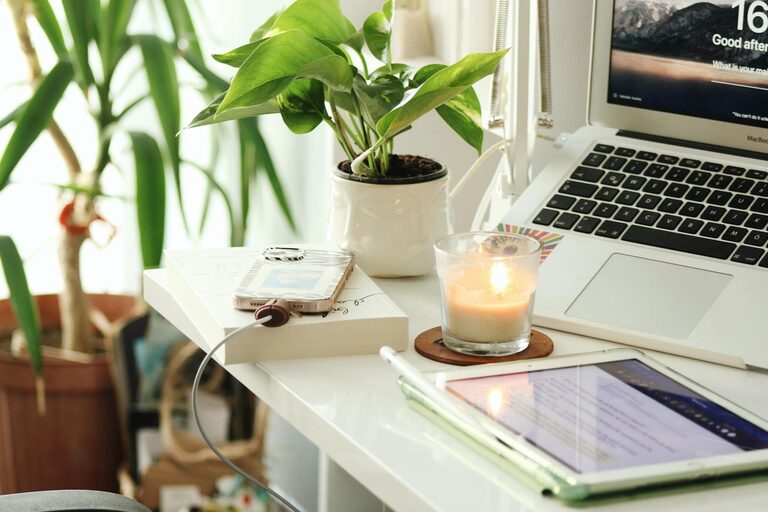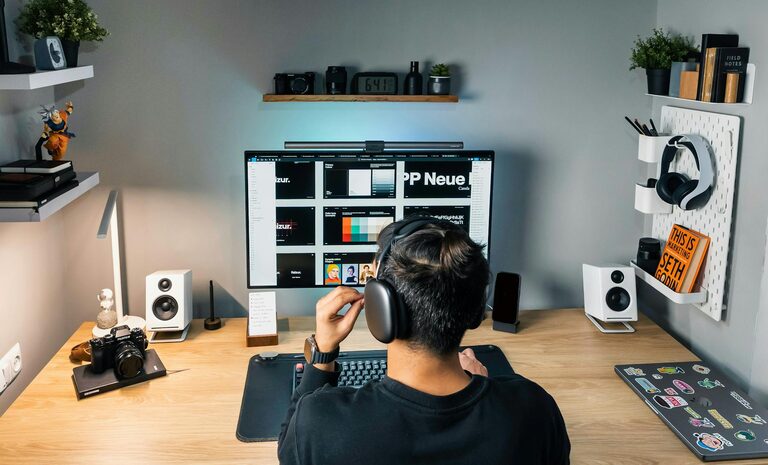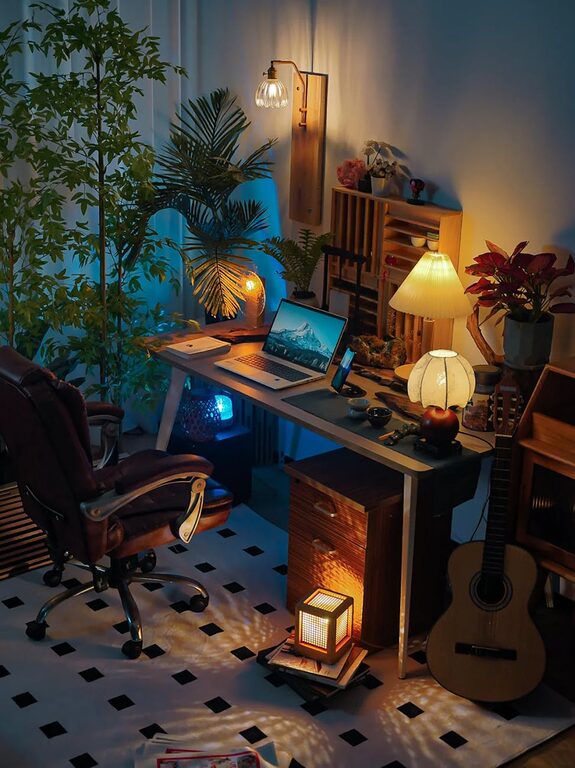










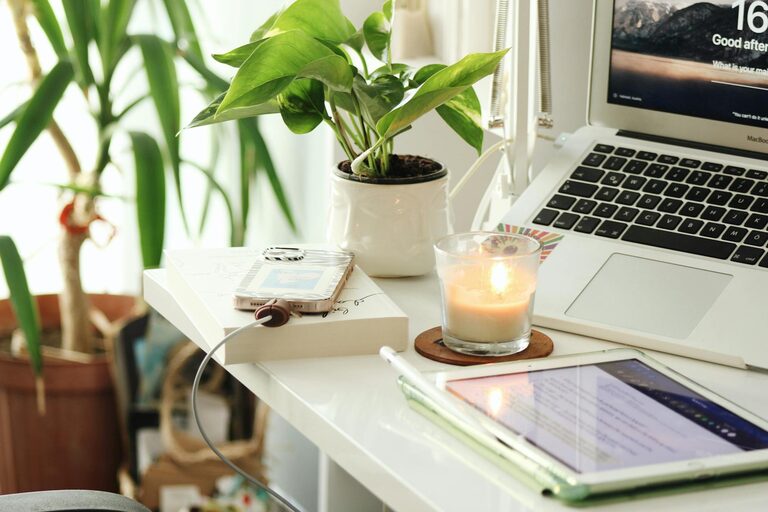
Creating a home office space that is both cozy and productive can make a significant difference in your work-from-home experience. A well-designed workspace helps you focus, reduces stress, and encourages creativity. Whether you have a dedicated room or a small corner, this guide will provide helpful tips to transform your home office into a comfortable and efficient environment.
Choose the Right Location
Find a Quiet Spot
Select a part of your home where you can work without frequent interruptions. If possible, choose a room with a door to help block out noise. This separation supports concentration and helps establish work boundaries.
Consider Natural Light
Natural light has a positive effect on mood and productivity. Position your desk near a window if you can, but avoid glare on your computer screen. If natural light is limited, invest in quality artificial lighting that mimics daylight.
Invest in Comfortable and Functional Furniture
Ergonomic Chair
A supportive chair is essential for long hours at the desk. Look for one with adjustable height, lumbar support, and comfortable cushioning to maintain good posture and prevent discomfort.
Desk Size and Layout
Choose a desk that fits your space and work needs. It should be large enough for your computer, documents, and other essentials. Consider L-shaped desks for more surface area or compact desks for tight spaces.
Organize for Efficiency
Use Storage Solutions
Clutter can distract and hinder productivity. Use shelves, drawers, or filing cabinets to keep your items organized and within reach. Labeling containers can also save time when searching for materials.
Keep Daily Essentials Handy
Place frequently used tools like pens, notebooks, and chargers where you can easily reach them. A desk organizer or caddy helps keep these items in order without creating mess.
Personalize Your Space
Add Comfort with Textiles
Soft blankets, cushions, or rugs add warmth and make your home office feel inviting. Choose colors and textures that make you feel relaxed and inspired.
Include Plants
Indoor plants can improve air quality and add a touch of nature. They also have a calming effect that can reduce stress during busy workdays.
Minimize Distractions
Manage Technology
Turn off unnecessary notifications on your computer and phone. Consider using noise-canceling headphones or background music to block out distracting sounds.
Define Work Hours
Establish a routine to separate work time from personal time, especially if your office is in a shared space. Communicate your schedule with family or housemates to minimize interruptions.
Create an Inspiring Atmosphere
Use Motivational Decor
Incorporate artwork, quotes, or vision boards that inspire you. Visual reminders of your goals can boost motivation and focus.
Maintain a Clean Workspace
Regularly tidy your desk to create a sense of order. A clean workspace helps clear your mind and improves efficiency.
Optimize for Technology and Connectivity
Ensure Good Internet Connection
A reliable internet connection is crucial. If you experience slow speeds, consider upgrading your plan or using a wired connection for better stability.
Proper Cable Management
Keep cables organized with clips, ties, or sleeves to prevent tangling and reduce clutter. Clear paths around your desk improve safety and aesthetics.
Prioritize Self-Care
Take Breaks
Even in the coziest setup, working nonstop can lead to burnout. Schedule regular breaks to stretch, hydrate, and rest your eyes.
Incorporate Movement
Include a space for light exercise or stretching near your office. Movement can stimulate creativity and reduce the physical strain of sitting.
—
By thoughtfully arranging your home office with comfort and productivity in mind, you can create a space that supports your work and well-being. Remember, your home office should be tailored to your personal style and work habits to help you thrive every day.