





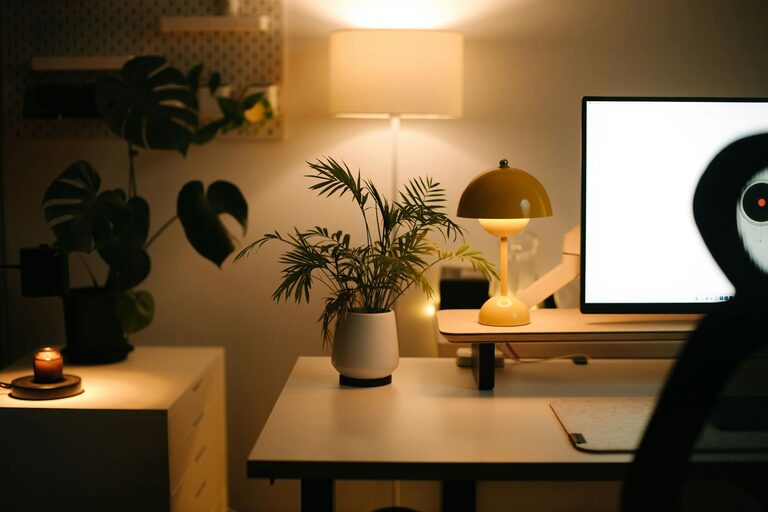
Creating a productive home office space is essential for anyone working remotely or managing household tasks. A well-designed workspace can enhance focus, reduce distractions, and increase efficiency. If you’re setting up or improving your home office, these practical tips will help you create an environment that supports your best work.
Choose the Right Location
Selecting the best spot for your home office is the first step. Ideally, find a quiet area with minimal foot traffic to avoid interruptions. If possible, choose a room with a door that can close for privacy during meetings or concentrated work periods.
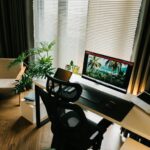
Consider natural light when picking your location. A space near a window can boost mood and energy, but be mindful of glare on your screens.
Invest in Comfortable and Functional Furniture
Comfort is critical when you spend long hours at a desk. Invest in a good quality ergonomic chair that supports your back and encourages proper posture. Pair it with a desk at the right height to prevent strain on your wrists and shoulders.
If space allows, consider a sit-stand desk or converter. Alternating between sitting and standing helps reduce fatigue and increases circulation.
Organize Your Workspace for Efficiency
A cluttered desk can lead to a cluttered mind. Keep only essential items on your desk and store the rest in drawers or shelves. Use organizers for pens, papers, and cables to maintain tidiness.
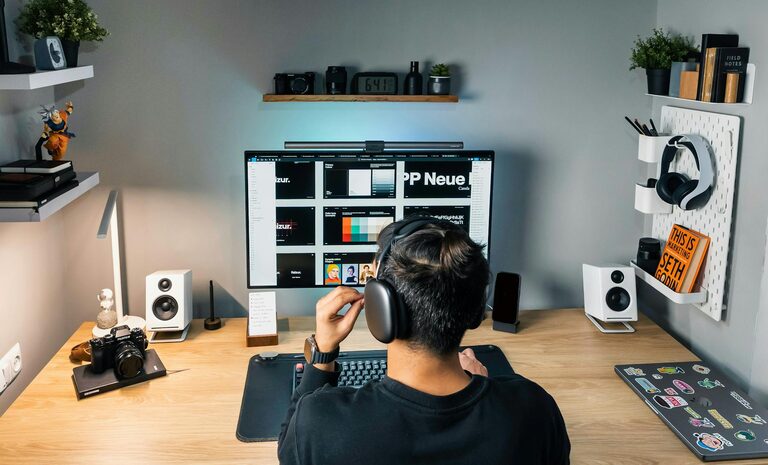
Designate specific areas for different tasks or tools. For example, a filing system for important documents, a charging station for devices, and a calendar or planner visible on your wall or desk.
Optimize Lighting
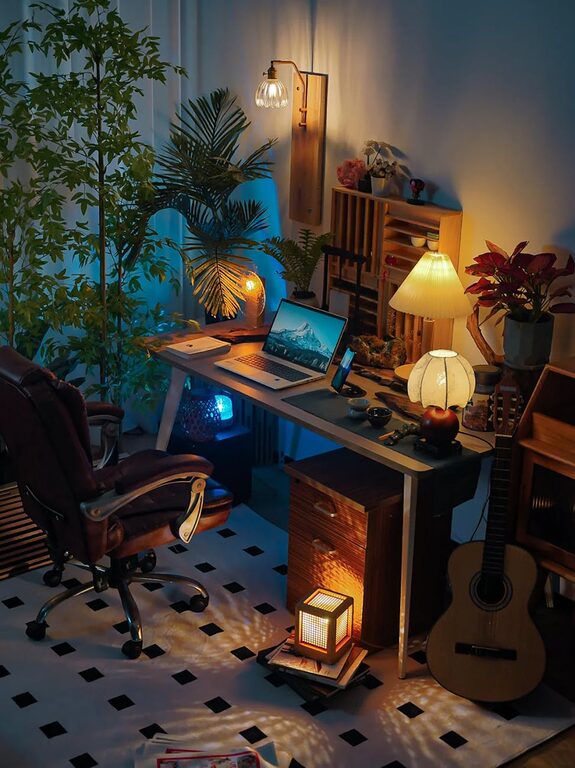
Good lighting reduces eye strain and keeps you alert. Combine natural light with adjustable artificial lighting. A desk lamp with a warm yet bright light is ideal for task lighting.
Avoid overhead lights that cause glare on screens. Position your monitor perpendicular to windows to minimize reflections.
Minimize Distractions
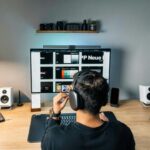
Design a space that encourages focus by reducing noise and visual disturbances. Use noise-cancelling headphones if ambient sounds interrupt your concentration.
Keep personal items to a minimum and avoid placing the office in busy household areas like the kitchen or living room. Use apps or timers to manage notifications and scheduled breaks.
Personalize Your Space
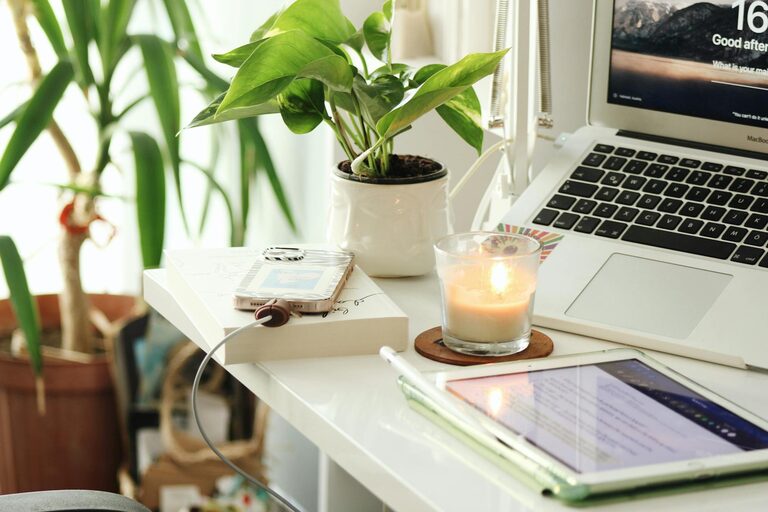
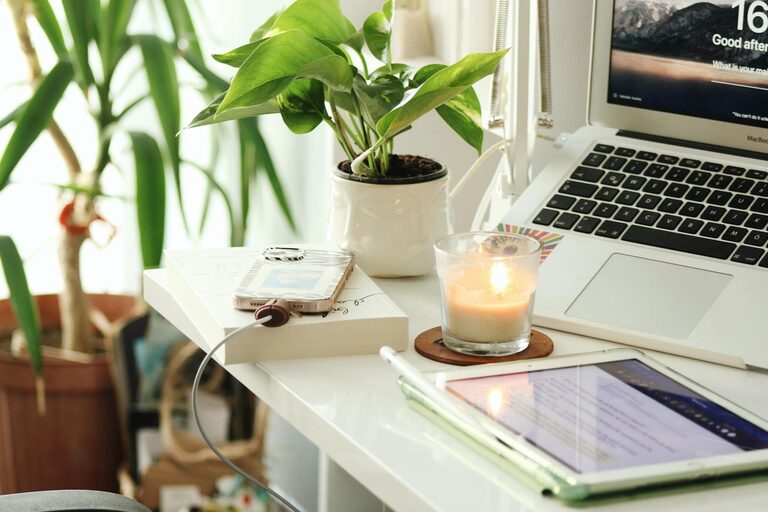
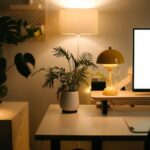
Adding personal touches can make your office more inviting and motivating. Display artwork, plants, or photos that inspire you.
Greenery not only beautifies a space but can improve air quality and reduce stress. Choose low-maintenance plants that thrive indoors.
Ensure Proper Technology Setup
Reliable technology is essential for efficiency. Invest in a strong internet connection, quality headset or microphone for calls, and multiple monitors if your work requires them.
Arrange cables neatly with clips or sleeves to keep your workspace safe and organized.
Establish Boundaries
Especially for those sharing a home or with family nearby, clear boundaries help maintain work/life balance. Set specific work hours and communicate them to others.
Consider signage or signals that indicate when you shouldn’t be disturbed. Take regular breaks away from your desk to recharge.
Keep Your Workspace Clean
Regular cleaning helps maintain a pleasant and healthy environment. Dust electronics and surfaces, vacuum floors, and sanitize your desk weekly.
A clean space reduces allergens and enhances your overall comfort during work hours.
Final Thoughts
A productive home office is within reach with thoughtful planning and simple adjustments. Prioritize comfort, organization, and focus-friendly design to make your workspace a place where you can perform at your best every day.
With these tips, you’ll be well on your way to creating a home office that works for you.